
Your phone continuously emits radio signals, even when the screen is off. These emissions allow detectors to locate a mobile device from several meters away. Whether in a school, professional context, or during a security check, preventing a detector from detecting your mobile phone requires understanding how these signals work and then acting on each of them.
1. Activate airplane mode to cut all radio emissions

Airplane mode simultaneously disables cellular network, Wi-Fi, and Bluetooth. These are the three emissions that most radio frequency detectors primarily capture.
Have you noticed that your battery lasts much longer in airplane mode? That’s because the phone stops emitting signals to cell towers. Without a radio signal, an RF detector picks up nothing. The limitation: your device remains a metallic object. A classic induction arch will still detect it.
To view documents offline or use the camera, airplane mode is sufficient. It covers all the tips to prevent the detector from detecting your phone based on wave suppression.
2. Use a Faraday shielding pouch

A Faraday pouch is an envelope lined with a conductive fabric (copper or nickel). It blocks incoming and outgoing electromagnetic waves, like a miniature Faraday cage.
Specifically, a phone placed in this pouch cannot emit or receive signals. The Faraday pouch blocks cellular, Wi-Fi, Bluetooth, and GPS signals. Unlike airplane mode, it also prevents any silent updates of GPS positioning.
Check the quality of the shielding before purchase. Some cheap pouches allow some frequencies to pass through. A simple test: slide your mobile inside and call it. If it rings, the pouch is ineffective.
3. Completely turn off the phone
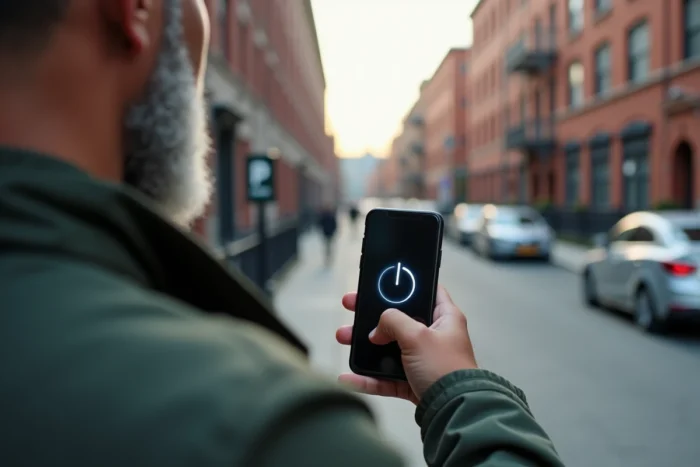
A turned-off phone emits no radio signals. Unlike sleep mode, a complete shutdown also cuts background processes that may trigger brief emissions.
Some recent models retain a location function even when turned off (Find My on iPhone, for example). In this case, removing the battery remains the only guarantee of total shutdown. On smartphones with non-removable batteries, the standard shutdown remains the best accessible option.
4. Remove the SIM card and eSIM
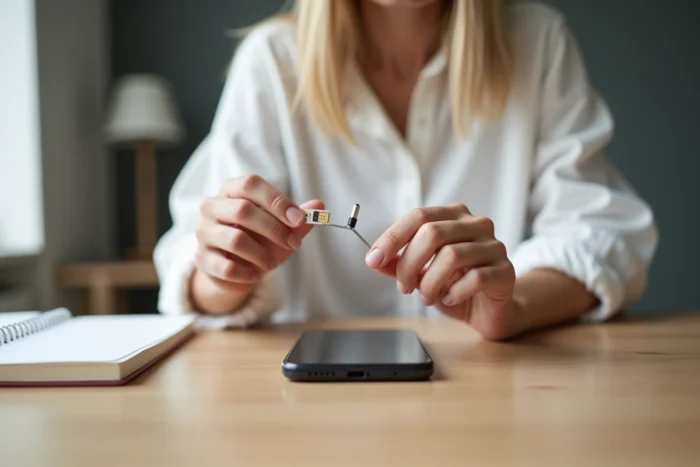
The SIM card is the main identifier that cellular network detectors look for. Even in sleep mode, a phone with an active SIM sends regular signals to cell towers to remain reachable.
Removing the physical SIM eliminates this communication. If your device uses an eSIM, it must be disabled in the settings. Without an active SIM or eSIM, the phone no longer connects to the mobile network, significantly reducing its detectable signature.
5. Disable Wi-Fi, Bluetooth, and NFC separately

Even without a cellular network, a phone can emit Wi-Fi and Bluetooth signals. These protocols periodically send “pings” to search for nearby networks or devices.
Wi-Fi and Bluetooth emit even when you are not actively using them. On both Android and iOS, Wi-Fi network scanning and Bluetooth detection often remain active in the background. Be sure to check these three points:
- Wi-Fi disabled in the settings (not just disconnected from the network)
- Bluetooth turned off, including nearby device scanning
- NFC disabled, as this short-range protocol can also be detected from a few centimeters away
6. Wrap the phone in aluminum foil

Aluminum foil works like a homemade Faraday cage. Several layers of aluminum around the phone attenuate outgoing radio signals.
This method is not as reliable as a dedicated Faraday pouch. Folds, openings, and insufficient thickness can sometimes allow signal leaks. For a proper result, use at least three to four layers and ensure that the wrapping is airtight. Aluminum foil offers a temporary solution, not permanent protection.
7. Disable GPS location services

GPS does not work like Wi-Fi or cellular. The GPS receiver listens to satellites without emitting a signal. Therefore, an RF detector does not directly pick up GPS.
However, many applications transmit your GPS coordinates via the cellular network or Wi-Fi. It is this retransmission that can betray your location. Disabling location services prevents applications from relaying your position, complementing other radio blocking measures.
8. Use a phone without apparent metallic components

Magnetic induction detectors (security arches) detect metallic masses. A smartphone with an aluminum or stainless steel chassis triggers these arches more easily than a device with a polycarbonate shell.
Choosing a phone with a predominantly plastic or ceramic shell reduces its signature against a metal detector. This approach does not block RF detectors but helps against physical checks by induction.
9. Reduce the size of the device with a compact phone
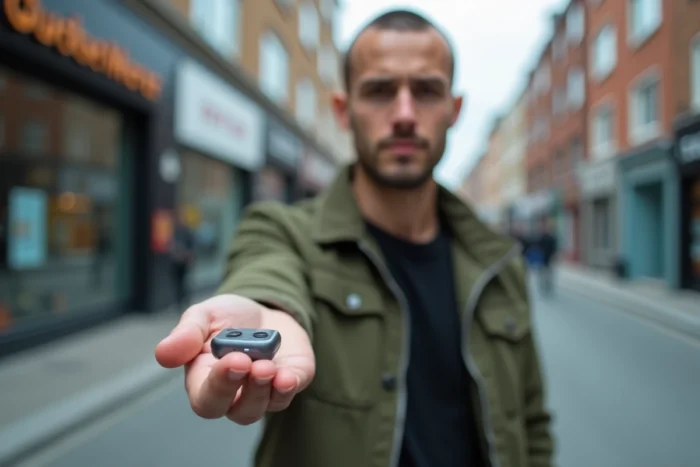
The smaller a metallic object is, the less it disrupts the magnetic field of an arch. Ultra-compact phones (like feature phones a few centimeters in size) contain less metal and generate a weaker signature.
A compact phone with a plastic shell combines low metallic mass and low radio emission. These basic devices often lack Wi-Fi and Bluetooth, eliminating two additional detection sources. The trade-off: they do not replace a smartphone for daily use.
10. Combine multiple methods simultaneously

No single technique guarantees total invisibility against all types of detectors. An RF detector and an induction arch operate on different physical principles. Blocking one does not block the other.
For maximum effectiveness, combine these actions:
- Turn off the phone and remove the SIM card
- Place the device in a tested quality Faraday pouch
- Prefer a non-metallic shell device if the context allows
Each layer of protection covers a gap left by the others. The combination of methods is the only truly effective approach against detection systems that exploit both radio waves and the magnetic properties of materials. Keep in mind that detection technologies are rapidly advancing, particularly with the European AML framework and military RF detection devices, making consumer solutions increasingly insufficient on their own.